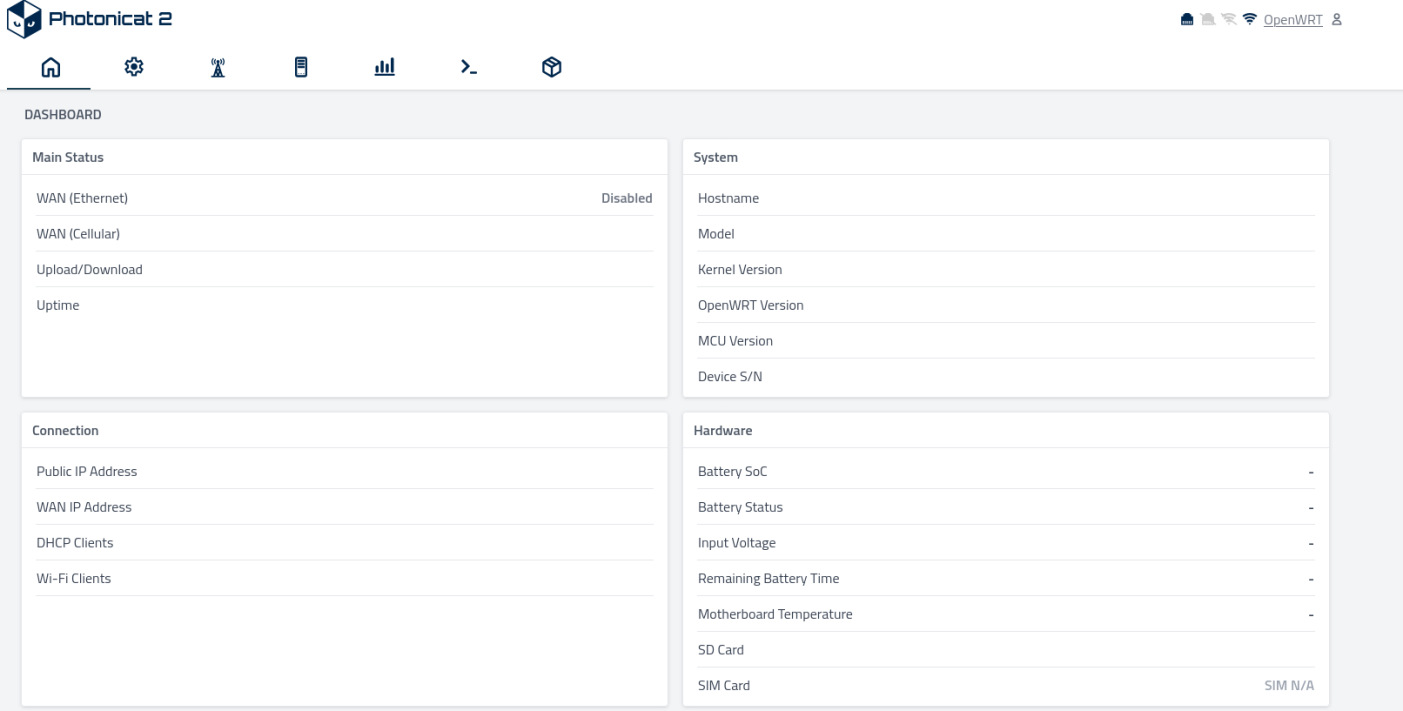
root@photonicat2-openwrt:/usr/share/pcat-manager-web# python3 /usr/share/pcat-manager-web/pcat-manager-web-main.pyc
/usr/lib/python3.13/site-packages/requests/__init__.py:113: RequestsDependencyWarning: urllib3 (2.6.3) or chardet (7.0.1)/charset_normalizer (None) doesn't match a supported version!
Failed to: from passlib.hosts import host_context
[openwrt] python3-ubus connected OK, test keys=['kernel', 'hostname', 'system', 'model', 'board_name', 'rootfs_type', 'release']
[openwrt] Using native python3-ubus module
[openwrt] Using subprocess for uci
2026-04-08 19:48:32,985 - pcat_logger - INFO - PcSocketClient thread run.
2026-04-08 19:48:32,987 - pcat_logger - INFO - PcatTimerManager thread running
2026-04-08 19:48:32,987 - pcat_logger - INFO - Applying power LED setting: mode=on, current_time=19:48:32
2026-04-08 19:48:32,988 - pcat_logger - INFO - Setting power LED ON (mode: on)
2026-04-08 19:48:32,988 - pcat_logger - DEBUG - Power LED setting applied for mode 'on'
2026-04-08 19:48:32,989 - pcat_logger - INFO - Applying startup settings for power LED, beeper, and smart fan control
2026-04-08 19:48:32,989 - pcat_logger - INFO - Applying power LED setting: mode=on, current_time=19:48:32
2026-04-08 19:48:32,990 - pcat_logger - INFO - Setting power LED ON (mode: on)
2026-04-08 19:48:33,990 - pcat_logger - DEBUG - Power LED setting applied for mode 'on'
Smart fan control: Set fan speed to 0 for cooling_device0
2026-04-08 19:48:33,994 - pcat_logger - WARNING - [Smart Fan] mode=smart_quiet, temp=N/A, charging=False, user_max=5, actual_speed=0
Smart fan control: Set fan speed to 0 for cooling_device0
2026-04-08 19:48:34,993 - pcat_logger - WARNING - [Smart Fan] mode=smart_quiet, temp=N/A, charging=False, user_max=5, actual_speed=0
2026-04-08 19:48:34,993 - pcat_logger - INFO - PcatTimerManager started
2026-04-08 19:48:34,993 - pcat_logger - INFO - Applying saved network mode: cell_only
2026-04-08 19:48:35,000 - pcat_logger - INFO - Nothing changed for wan interface
2026-04-08 19:48:35,009 - pcat_logger - INFO - Nothing changed for wwan interface
Start web service on port 80
PcModemClient init
 * Serving Flask app 'pcat_manager_web'
Traceback (most recent call last):
 * Debug mode: off
  File "app_temp/pcat-manager-web-main.py", line 90, in <module>
  File "app_temp/pc_modem_client.py", line 66, in __init__
  File "app_temp/pc_modem_client.py", line 125, in cmd_queue_append
  File "app_temp/pc_modem_client.py", line 99, in cmd_should_skip
AttributeError: 'PcModemClient' object has no attribute 'cmd_failure_lock'
Address in use
Port 80 is in use by another program. Either identify and stop that program, or start the server with a different port.
2026-04-08 19:48:43,997 - pcat_logger - INFO - Applying power LED setting: mode=on, current_time=19:48:43
2026-04-08 19:48:43,998 - pcat_logger - INFO - Setting power LED ON (mode: on)
2026-04-08 19:48:44,999 - pcat_logger - DEBUG - Power LED setting applied for mode 'on'
Smart fan control: Set fan speed to 0 for cooling_device0
2026-04-08 19:48:46,003 - pcat_logger - WARNING - [Smart Fan] mode=smart_quiet, temp=N/A, charging=False, user_max=5, actual_speed=0