**Device model: Photonicat2 + RM520N-GL
Firmware: R26.04.1 / r7720 **
Issue description:
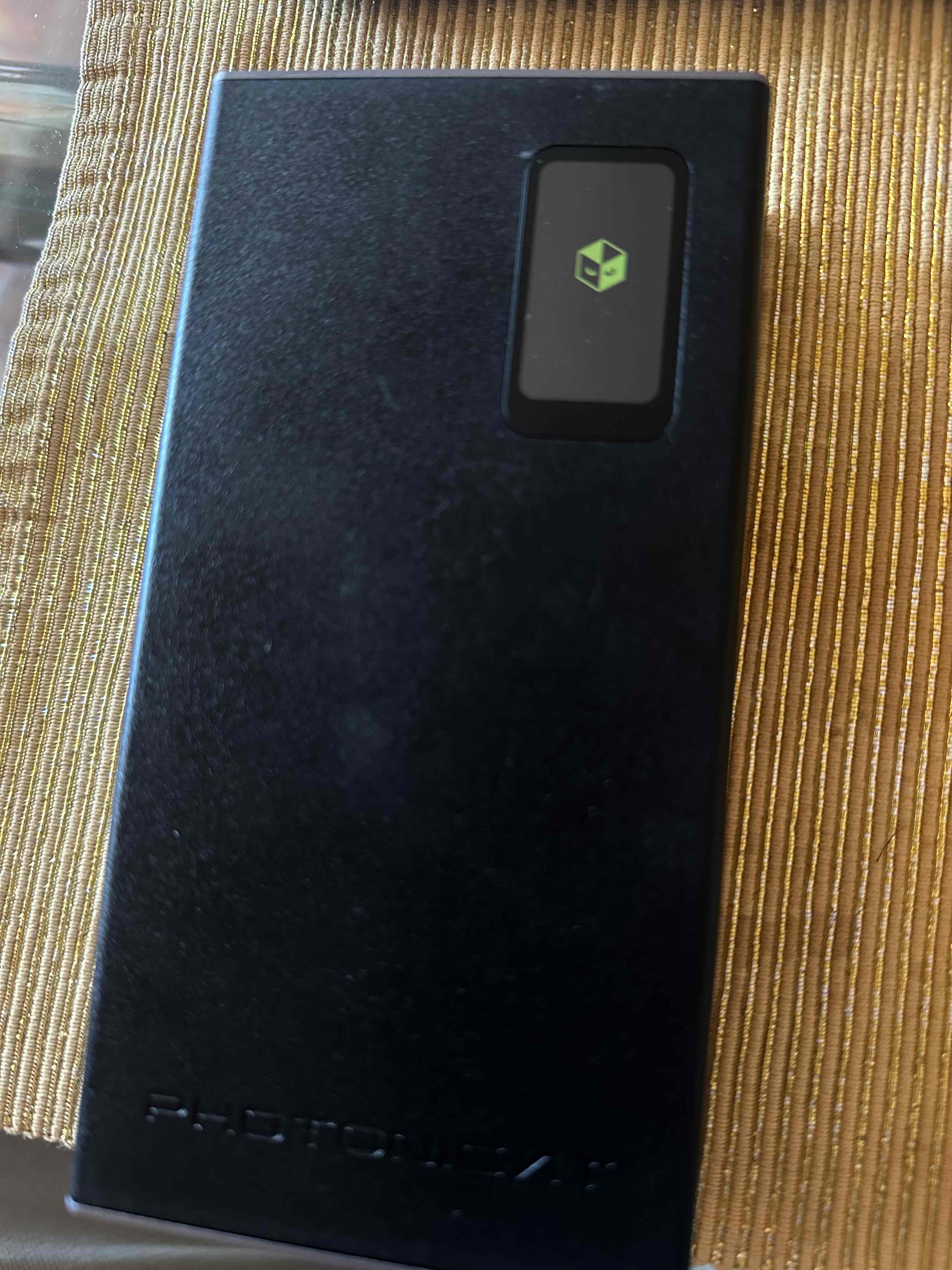
Photonicat 2 - after following official Firmware USB Flash Update - Device stuck on Booting Logo Screen
Steps to reproduce:
just follow official guid https://photonicat.com/wiki/Photonicat_2_%E5%9B%BA%E4%BB%B6USB%E7%BA%BF%E5%88%B7%E6%9B%B4%E6%96%B0%E6%95%99%E7%A8%8B
all looks good on this step:
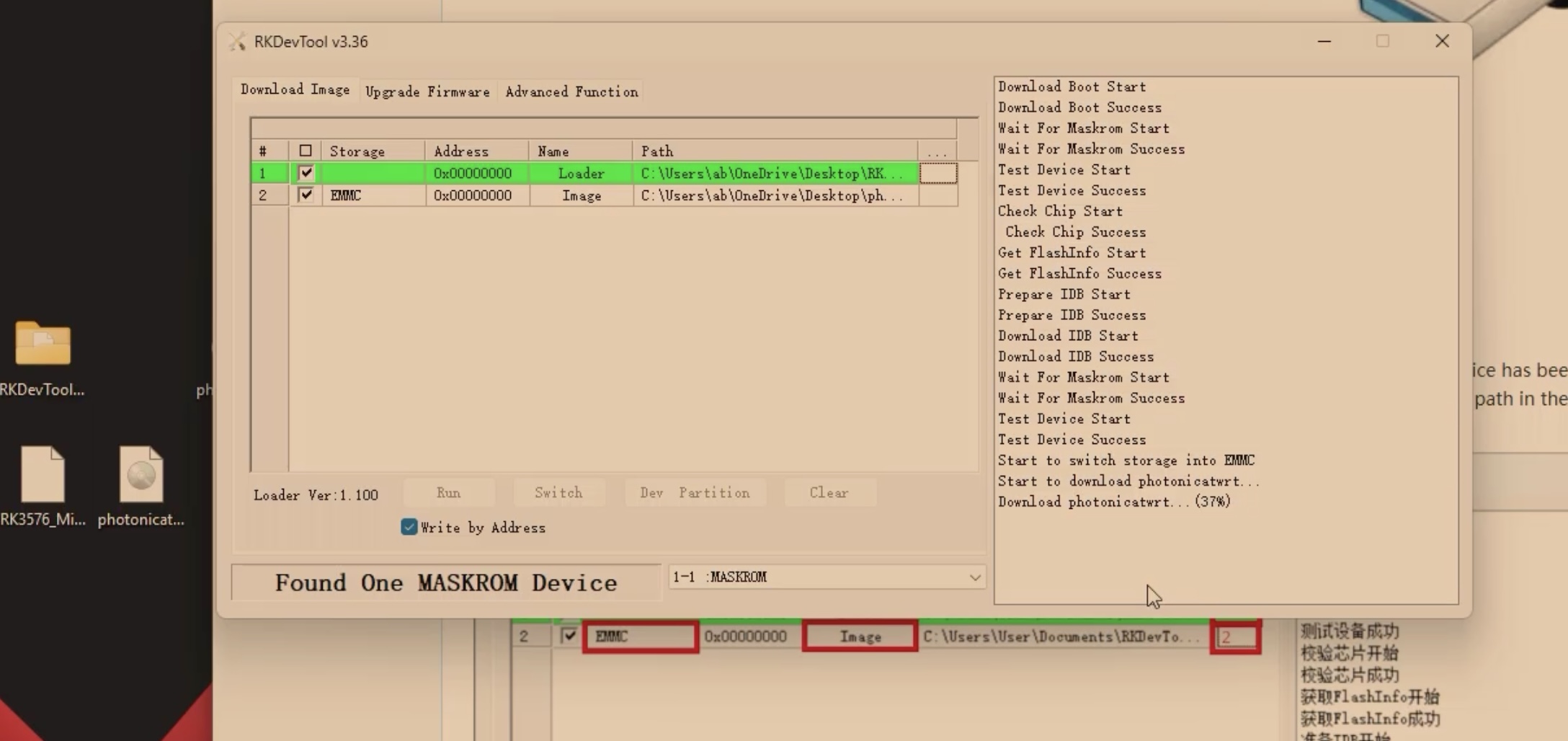
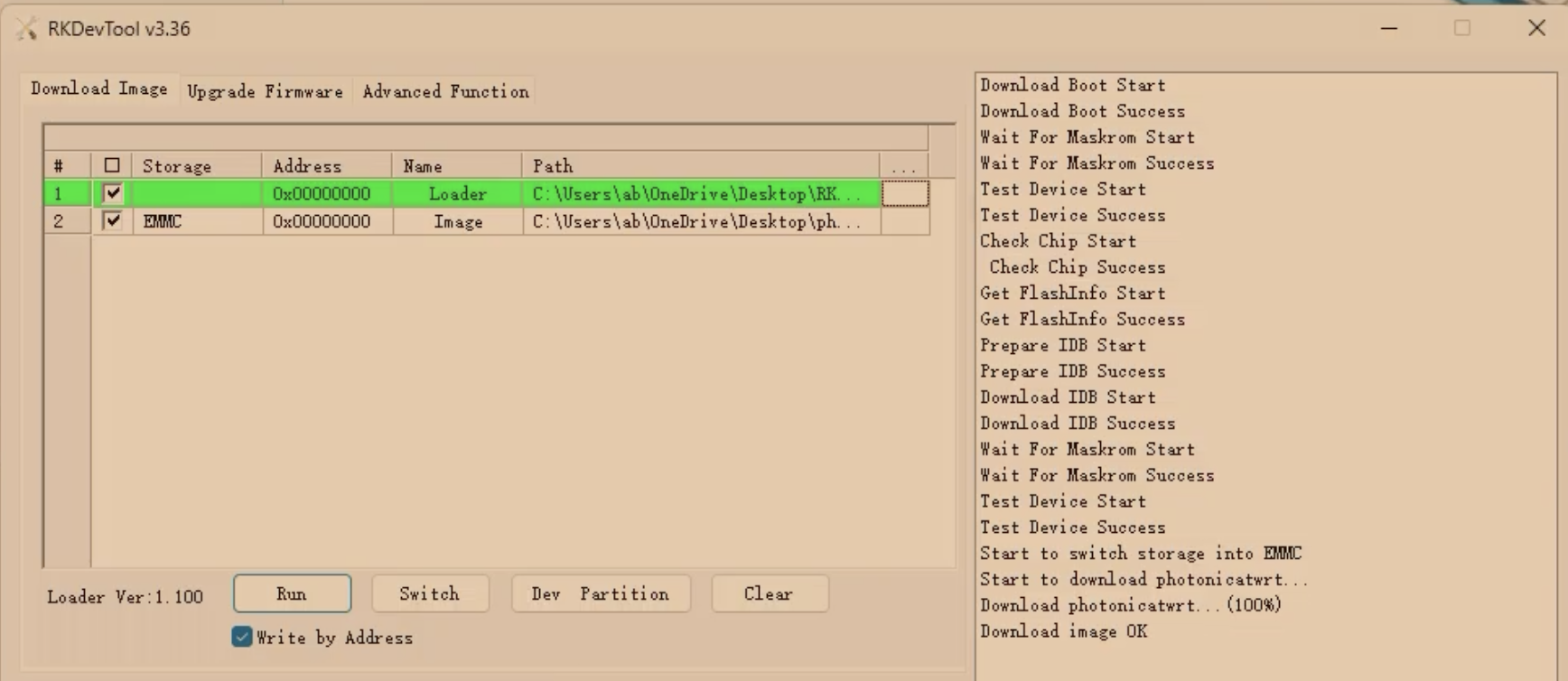
download image OK
device permanently in this state (wait for 5 min nothing, forse reboot same result):
how do I fix it?
Thanks for posting, noted, will get your help soon.
Hi,
Your update process seems OK, maybe R7720 firmware have some compatibility issues with some eMMC. Please try our latest firmware, and don't forget decompress the image.
hi,
I have closelly followed official guide and obviosly I decompressed the image.
I tryed with latest and previous firmware it gave me absolutelly same result, device stuck on Booting Logo Screen
Is there way to debug see errors logs etc.. Can you guide me how to return device back to function normally?
Hi,
Try erase the whole eMMC (in "Upgrade Firmware tab", click "Firmware", select and open MiniLoader.bin, then click "EraseFlash").
After the earsing process, please re-flash the firmware again.




