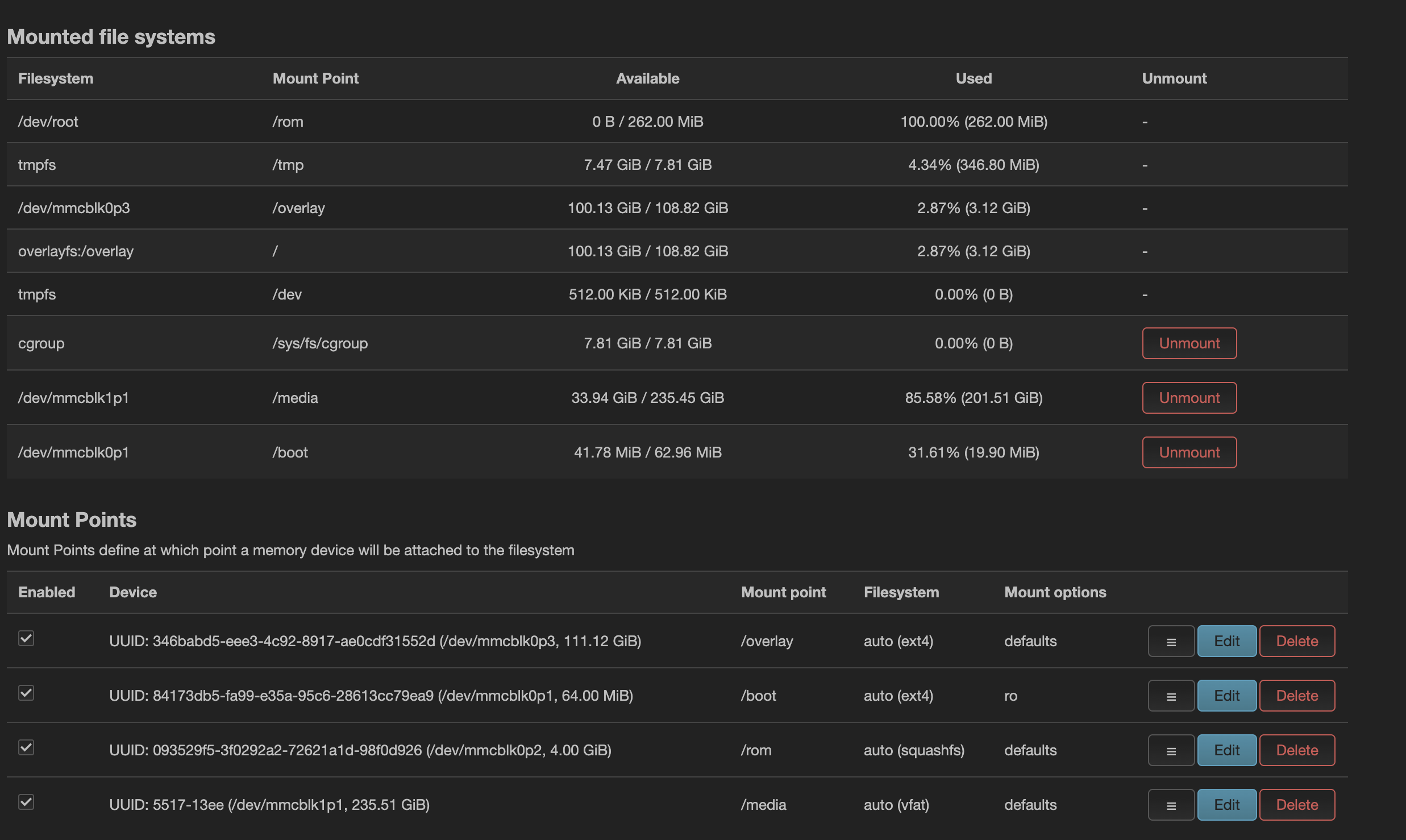
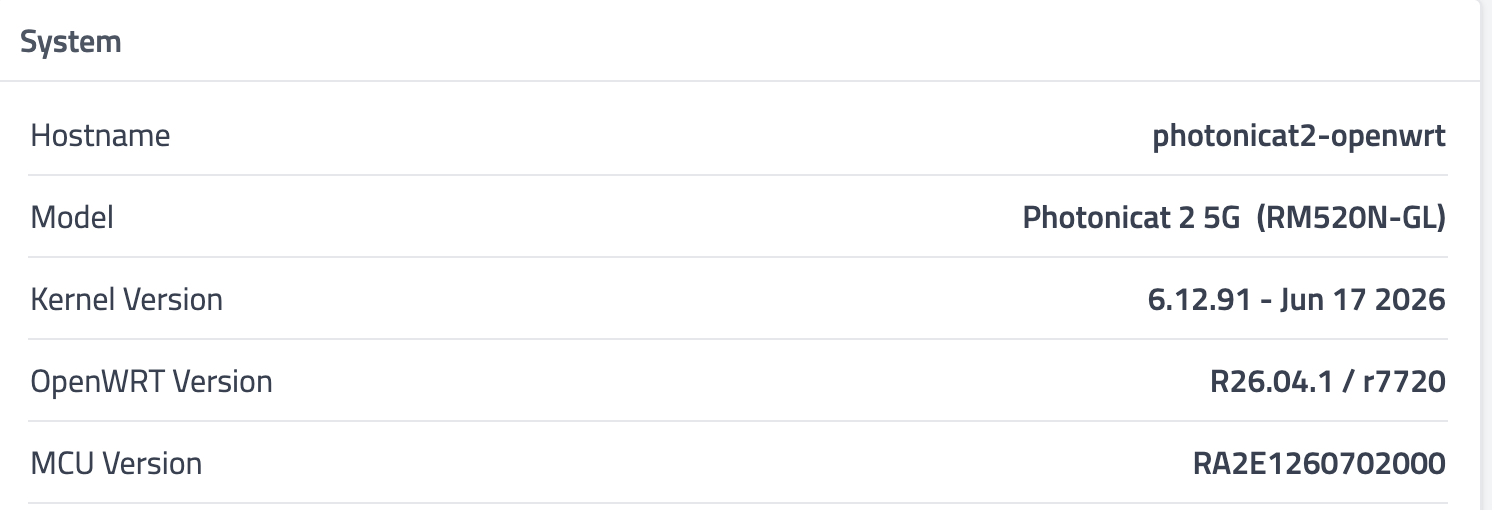
Device model: Photonicat2 + RM520N-GL
Firmware: R26.04.1 / r7720 (latest)
Issue description:
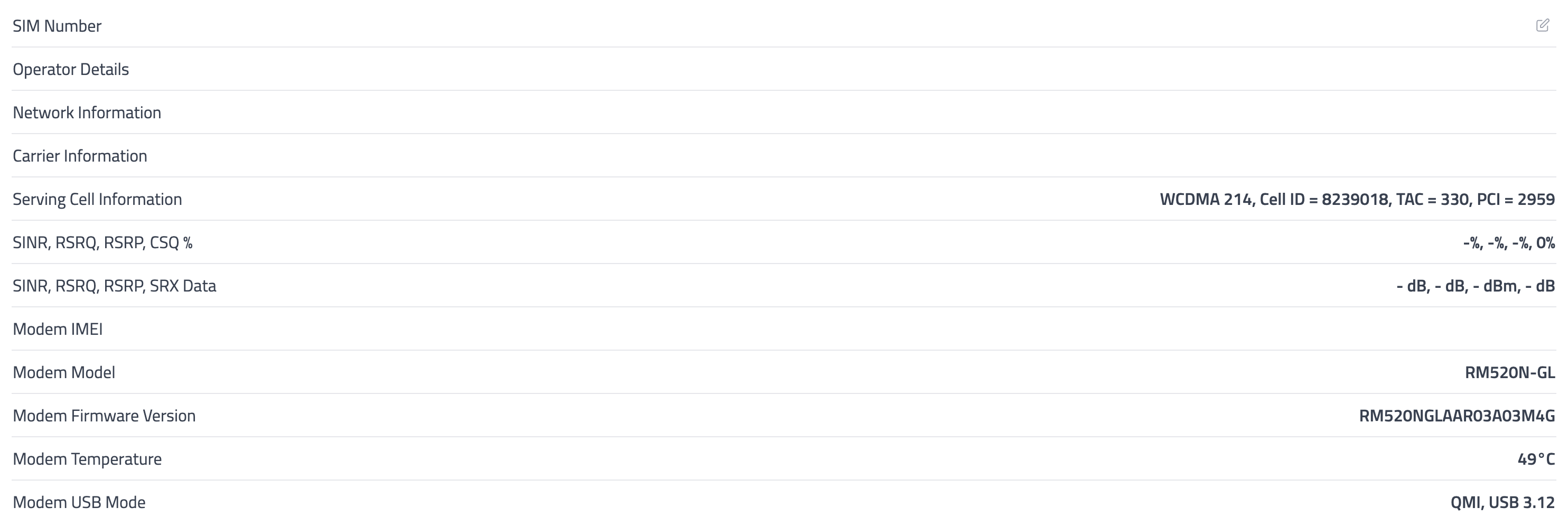
Static all works fine. When moving (car, train and even walking) on mobile (cellar) connection device loosing connection and not connecting back.
Steps to reproduce:
-
Switch on device and wait until cell connection up. All normally fine during this step, device connecting and works as expected
-
Drive couple minutes. Here where device loosing cell connection and not getting it back. Until full stop and reload device.
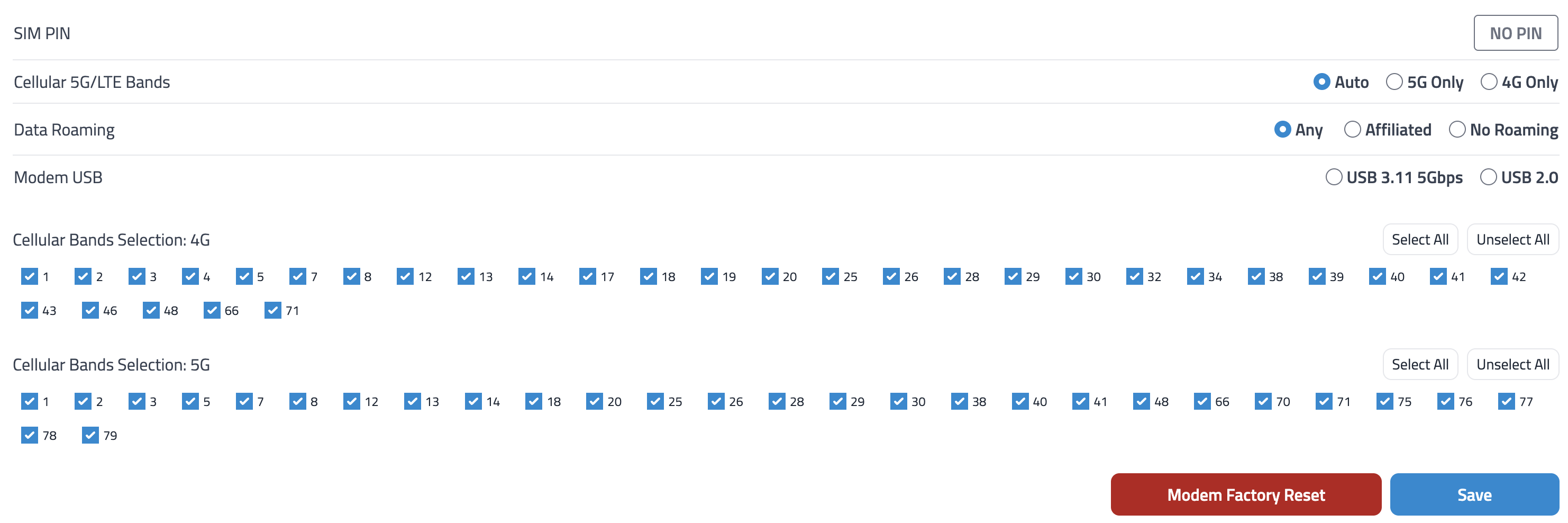
Please fix this issue. Thank you!
Hello,
We have just released the latest firmware version r7854. Please upgrade your device to this version and test again.
If the issue still persists, please provide the relevant logs, and we will investigate further.
Thank you!
I tryed to update firmware
via Auto update, it goes trought all steps and reboots but it shows same version after all
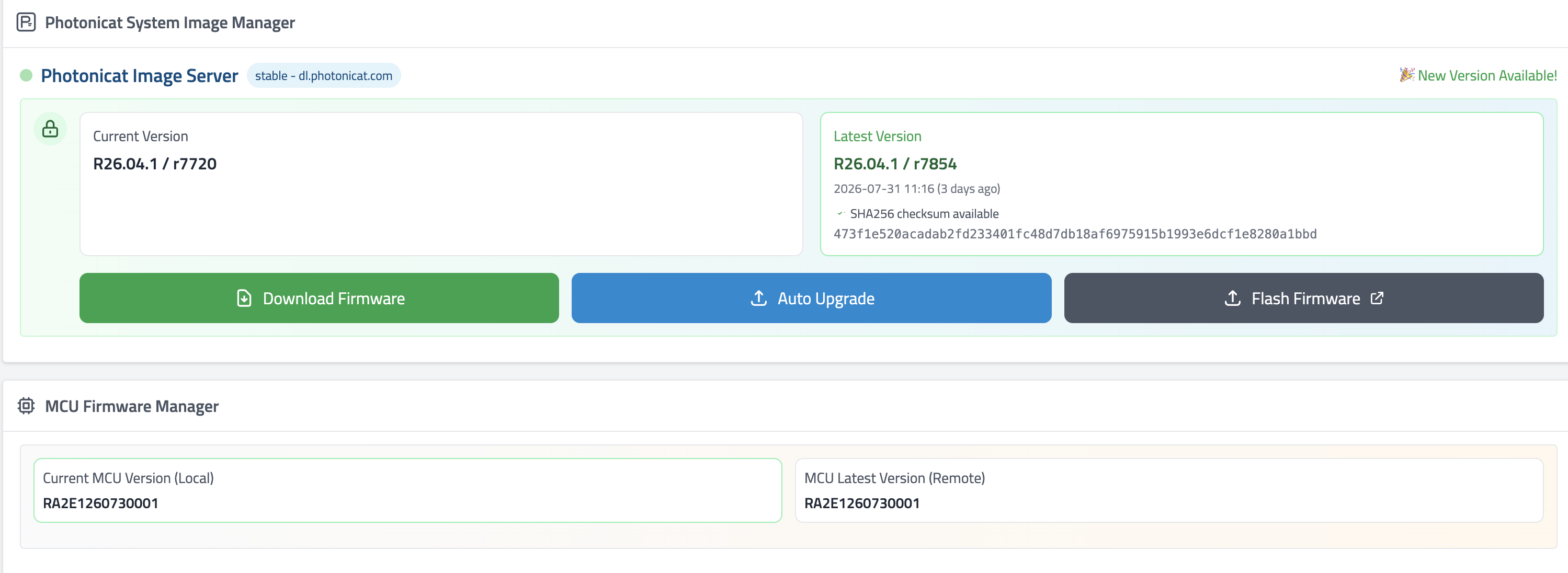
MCU was updated fine thought.
I also tryed uploading manally but its says this:
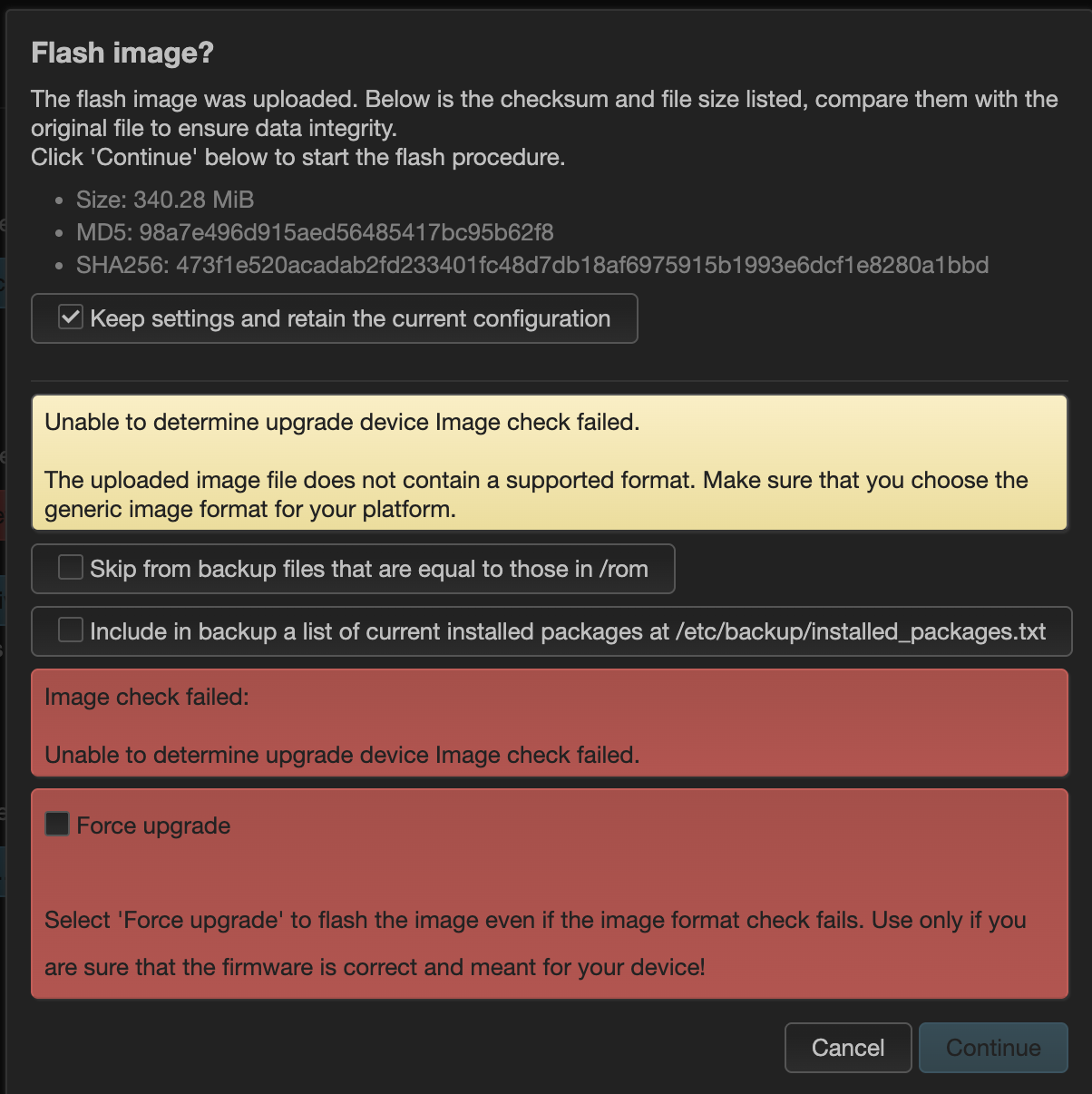
if you need logs I will be happy to provide that, I just need little guidance from your side
Hello, may I ask if you started the firmware (System Image) upgrade and MCU upgrade at the same time?
If both upgrades were started simultaneously, it may cause one of the upgrade processes to fail.
Please open the following page again:
http://172.16.0.1/update
Then try Auto Upgrade once more and check whether the firmware version changes after the upgrade is completed.
hi,
No I did it separatelly.
I tryed autoupdated many times with different options, full vipe inclusive. After all update steps device reloaded with old r7720..
Hi,
Could you please try flashing the firmware via USB according to this tutorial:
https://photonicat.com/wiki/Photonicat_2_%E5%9B%BA%E4%BB%B6USB%E7%BA%BF%E5%88%B7%E6%9B%B4%E6%96%B0%E6%95%99%E7%A8%8B
Please make sure all settings are exactly the same as shown in the tutorial.
Please try again and let us know the result.
I will loose all my settings using this method?
Yes! Flashing the firmware will erase all data on the device, so all previous settings will be lost. Please back up any important configurations before flashing.
very disapoiting, you even not trying to figue out what is wrong.
bash: sysuprade: command not found
sysupgrade https://dl.photonicat.com/images/photonicat2/openwrt/photonicatwrt-26.04.1-r7854-bb41828a57-rockchip-armv8-ariaboard_photonicat2-squashfs-sysupgrade.img.gz
--2026-08-04 13:50:16--  https://dl.photonicat.com/images/photonicat2/openwrt/photonicatwrt-26.04.1-r7854-bb41828a57-rockchip-armv8-ariaboard_photonicat2-squashfs-sysupgrade.img.gz
Resolving dl.photonicat.com... 154.38.175.251
Connecting to dl.photonicat.com|154.38.175.251|:443... connected.
HTTP request sent, awaiting response... 200 OK
Length: 356814315 (340M) [application/gzip]
Saving to: '/tmp/sysupgrade.img'

/tmp/sysupgrade.img                          100%[===========================================================================================>] 340.28M  7.07MB/s    in 94s

2026-08-04 13:51:51 (3.63 MB/s) - '/tmp/sysupgrade.img' saved [356814315/356814315]

Unable to determine upgrade device
Image check failed.
root@photonicat2-openwrt:/usr/share/pcat-manager-web#
I have previosly modifyed overlayfs:/overlay location, could it cause the upgrade issue?